

Jet Reports Mentoring for Business Central
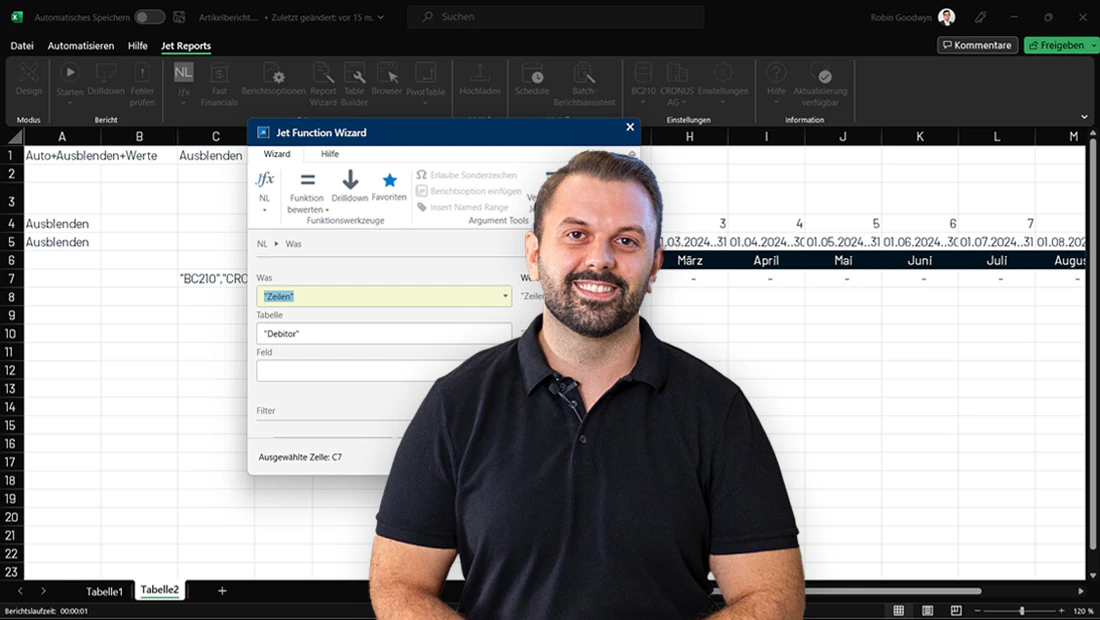
Use Jet Reports for Microsoft Dynamics 365 Business Central more effectively and build professional reports that support your decision-making in the best possible way. Our 8-week mentoring program guides you through the essentials to advanced reporting in a practical, compact format. With flexible video learning in our dc Academy e-learning platform and regular live meetings, you’ll get the support you need and can apply what you learn right away.
What to expect
- Hands-on video modules: Weekly, compact videos that build on each other step by step and remain available to you long-term.
- Practical exercises: Each week, you’ll receive new, hands-on exercises to complete independently in Excel. This helps you put what you’ve learned into practice right away and reinforce your skills.
- Flexible learning: You can complete the training sessions whenever and wherever they best fit into your week. If you miss a session, you can catch up anytime on your own.
- Personal support: Every Friday, our mentors answer your questions live and support you with your assignments.
- Individual final consultation: Final case study and a personal 1:1 session for the best possible deep dive.
Program content
| Week 1 |
Kickoff meeting & onboarding
|
| Week 2 |
Understanding the basics of Jet Reports
|
| Week 3 |
Creating professional reports - core knowledge
|
| Week 4 |
Data analysis and reporting with Jet Reports
|
| Week 5 |
Data linking and advanced report options
|
| Week 6 |
Building dynamic report structures
|
| Week 7 |
Advanced Jet Reports techniques
|
| Week 8 |
Hands-on final project (case study)
|
Requirements
- Jet Reports is already installed and a data source has been set up
- Basic Excel skills
- The program is conducted entirely in German
Target audience
This program is designed for employees across all departments who want to use Jet Reports efficiently. It’s especially well suited for beginners and anyone looking to refresh their Jet Reports knowledge.
Format
- Kickoff meeting: Monday, 14.09.2026 at 09:00 a.m.
- Weekly group meetings: Fridays starting 18.09.2025 at 09:00 a.m.
- Weekly time commitment for remote content: Maximum 2-4 hours per week
from 14.09.2026
09:00 a.m.