


Shopify Integration for Microsoft Dynamics 365 Business Central
Connect Shopify to your ERP system and manage items, prices, inventory, and orders centrally from your ERP.

Business Central & Shopify: the power duo for your web store
Microsoft Dynamics 365 Business Central is the powerful ERP system for mid-sized businesses. You manage finance, purchasing, sales, warehousing, and logistics while creating seamless processes across your entire company.
With the Shopify Connector, you connect Shopify directly to Business Central. Items, prices, inventory, customer data, and orders can be synchronized between both systems. That keeps Business Central as the central data source for your e-commerce processes, while Shopify runs as a modern sales channel.
With the Shopify Connector, you connect Shopify directly to Business Central. Items, prices, inventory, customer data, and orders can be synchronized between both systems. That keeps Business Central as the central data source for your e-commerce processes, while Shopify runs as a modern sales channel.
The Shopify Connector for Business Central
With the Shopify Connector, you connect your Business Central tenant to one or more Shopify stores. The connector is available at no additional cost and connects the most important processes between ERP and web store.

Bring ERP data cleanly into your Shopify store
-
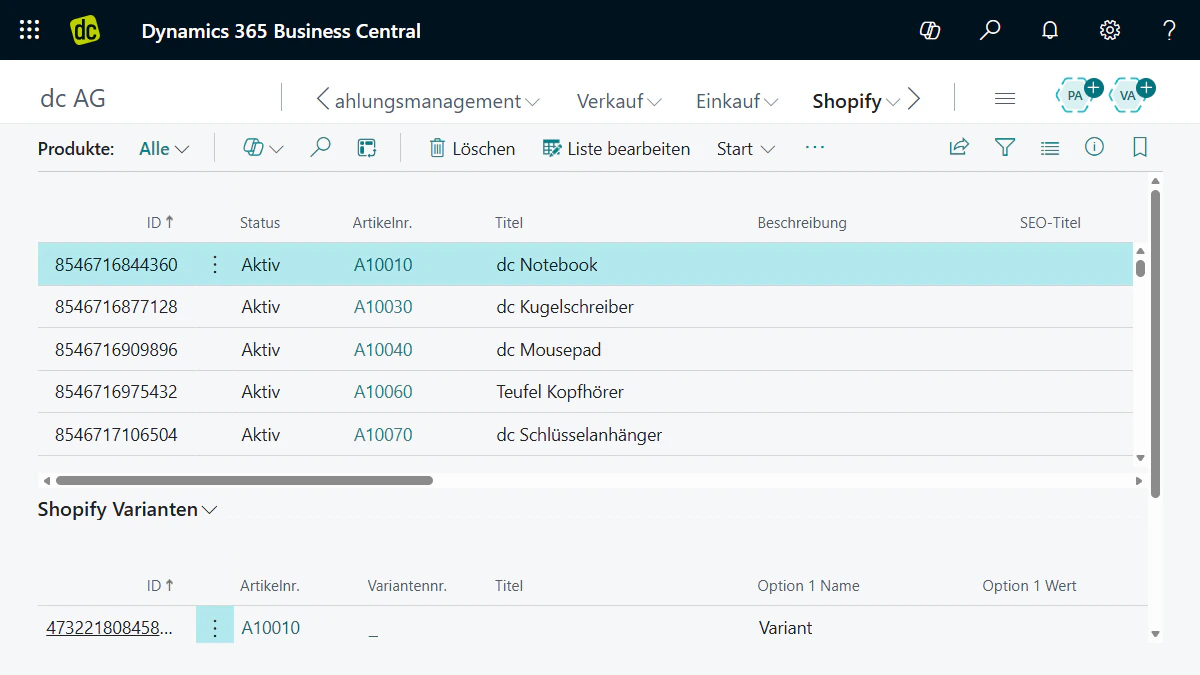 Sync items, variants, descriptions, and product information from Business Central to Shopify. That makes your ERP master data the foundation for your products in the web store.
 -
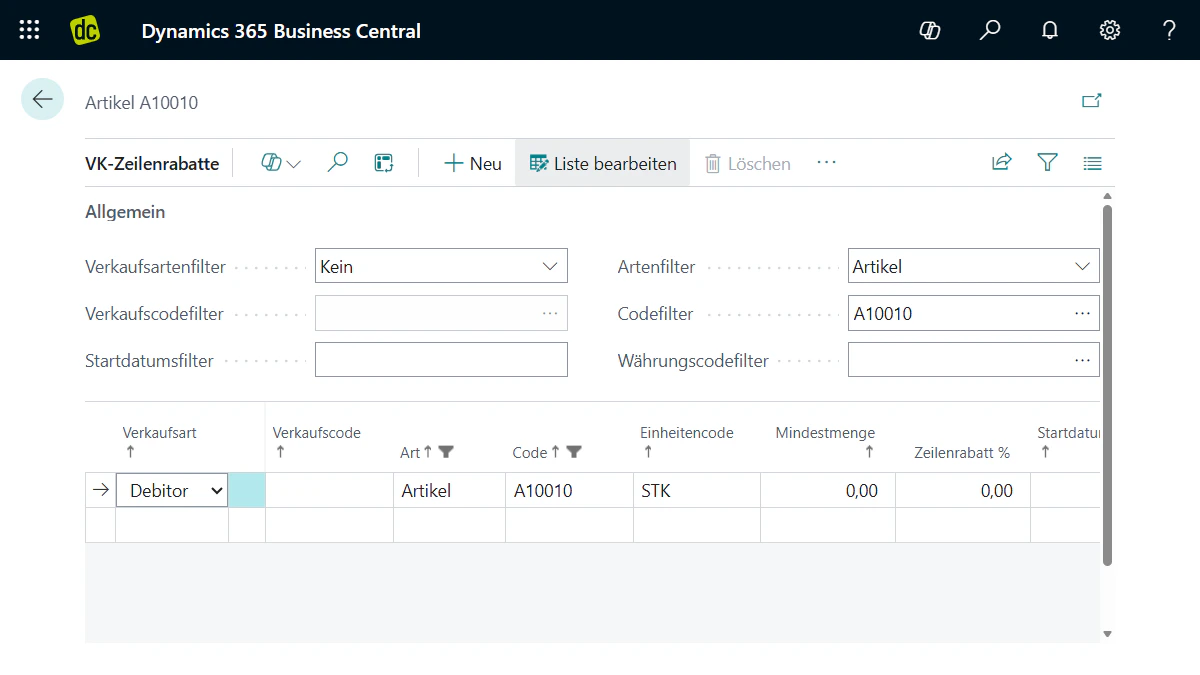 Use price lists, customer-specific pricing, and tax logic from Business Central for your Shopify store. That way, your pricing rules work cleanly and you reduce manual upkeep in the store.
 -
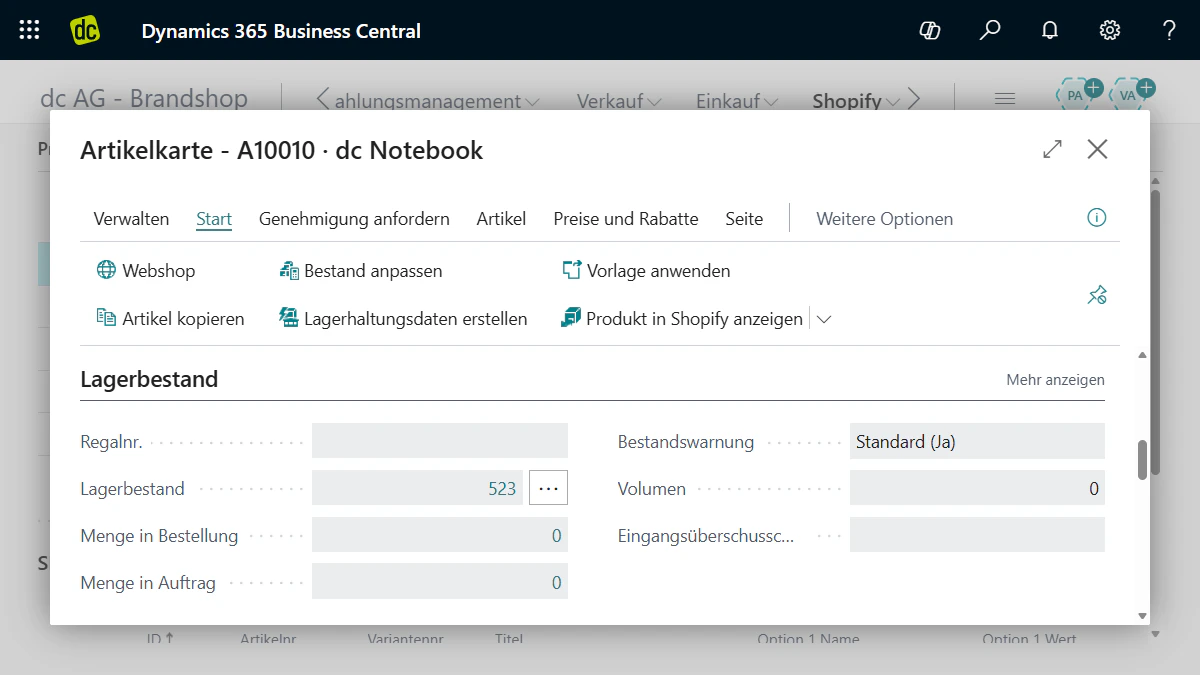 Transfer inventory levels and multiple warehouse locations from Business Central to Shopify. That way, your store knows which products are available, and your customers get reliable information.


Process Shopify orders directly in ERP
-
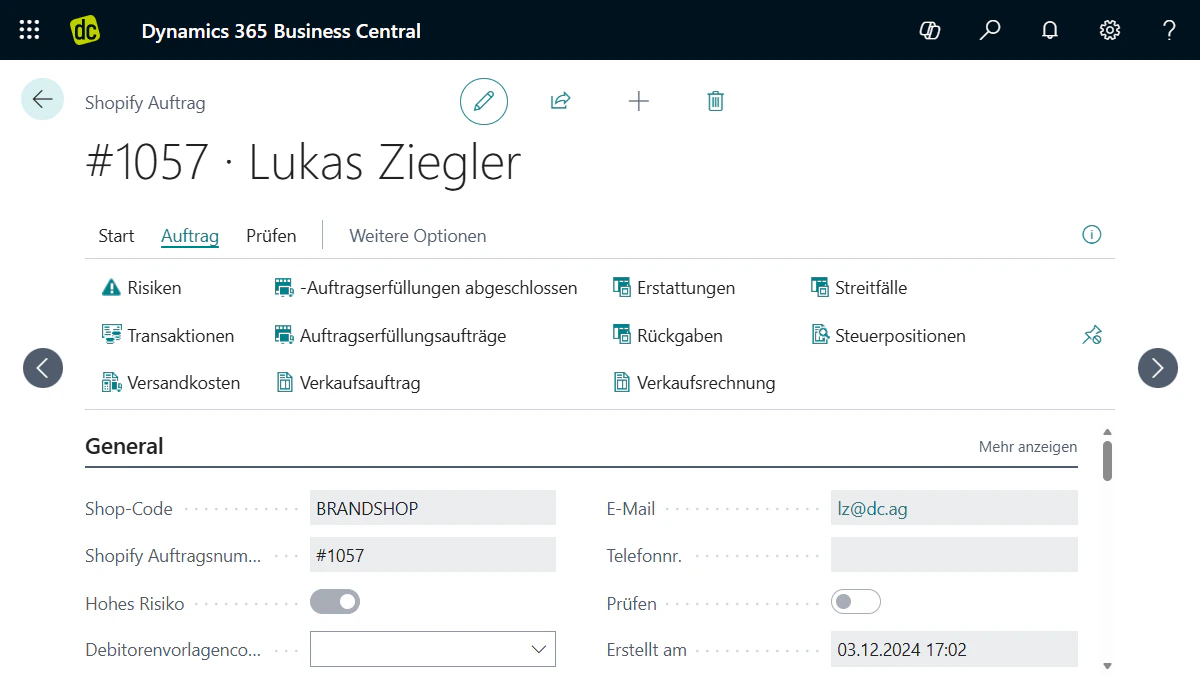 Shopify orders are automatically synchronized to Business Central and created there as sales orders. This gives you all relevant order data centrally in your ERP.
 -
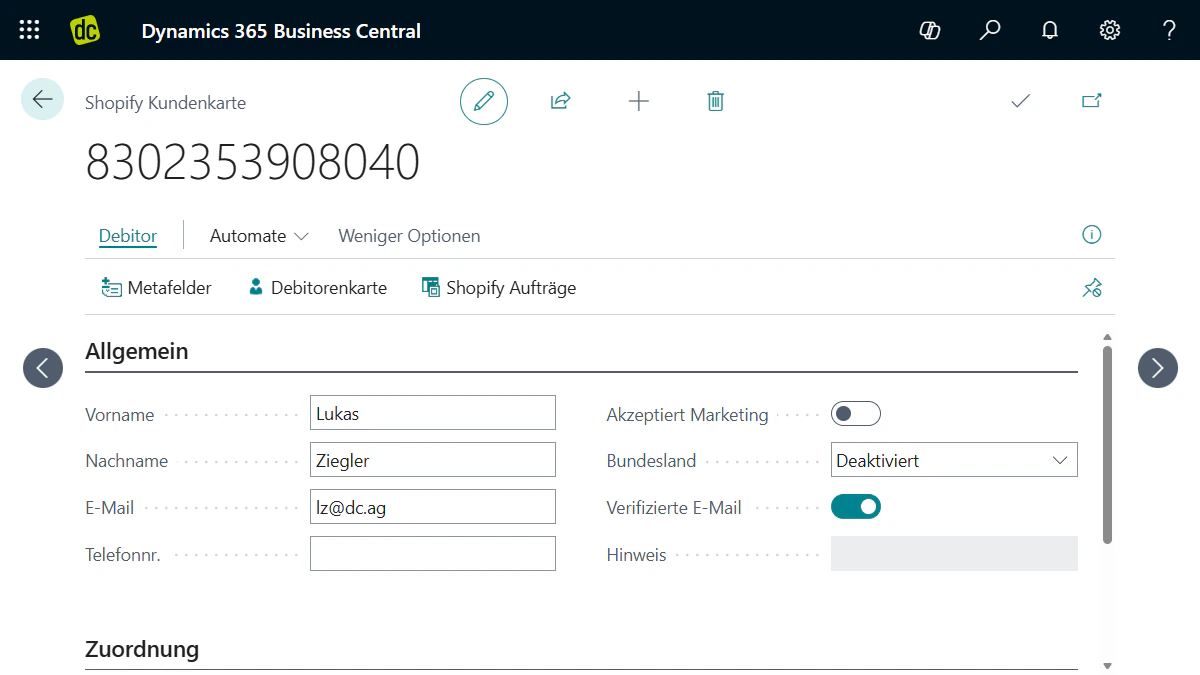 Import customer data from Shopify into Business Central and connect it to your accounts receivable processes. That keeps customer information, orders, and financial processes cleanly linked.
 -
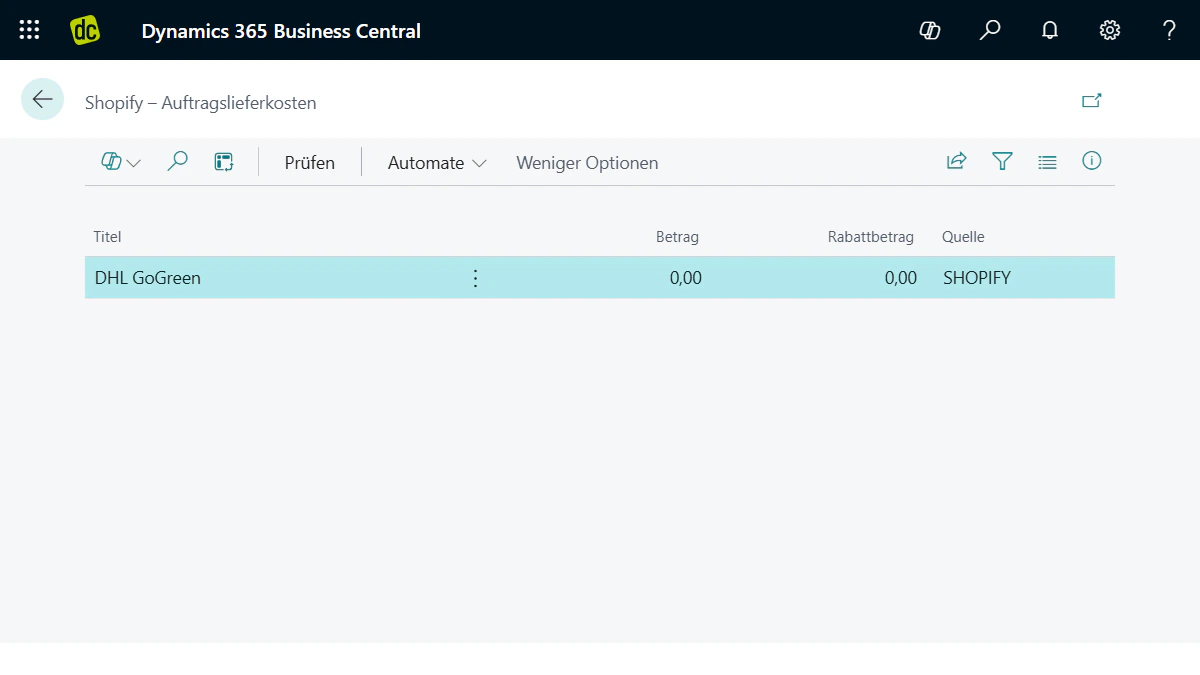 Synchronize payment details, shipping status, tracking numbers, and delivery information between Shopify and Business Central. That keeps your store and ERP aligned at all times.


Scale your integration step by step
-
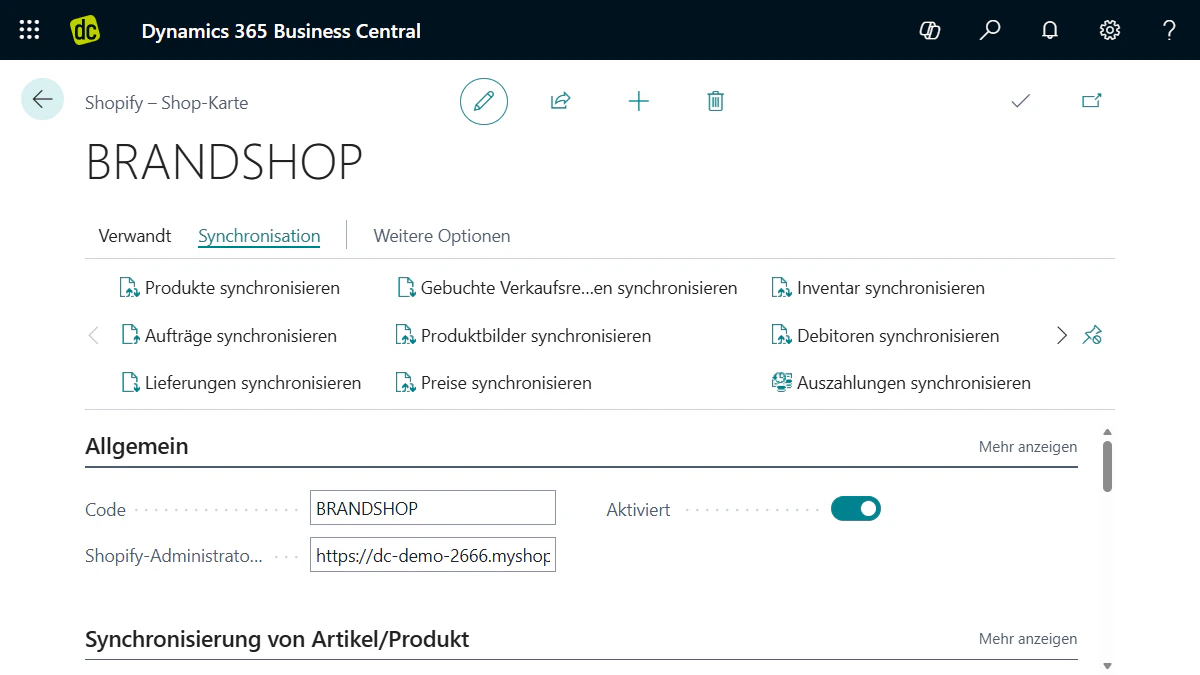 To get started, you sync item master data, inventory, orders, customer data, and payment information. That reduces duplicate maintenance and makes your order process more transparent.
 -
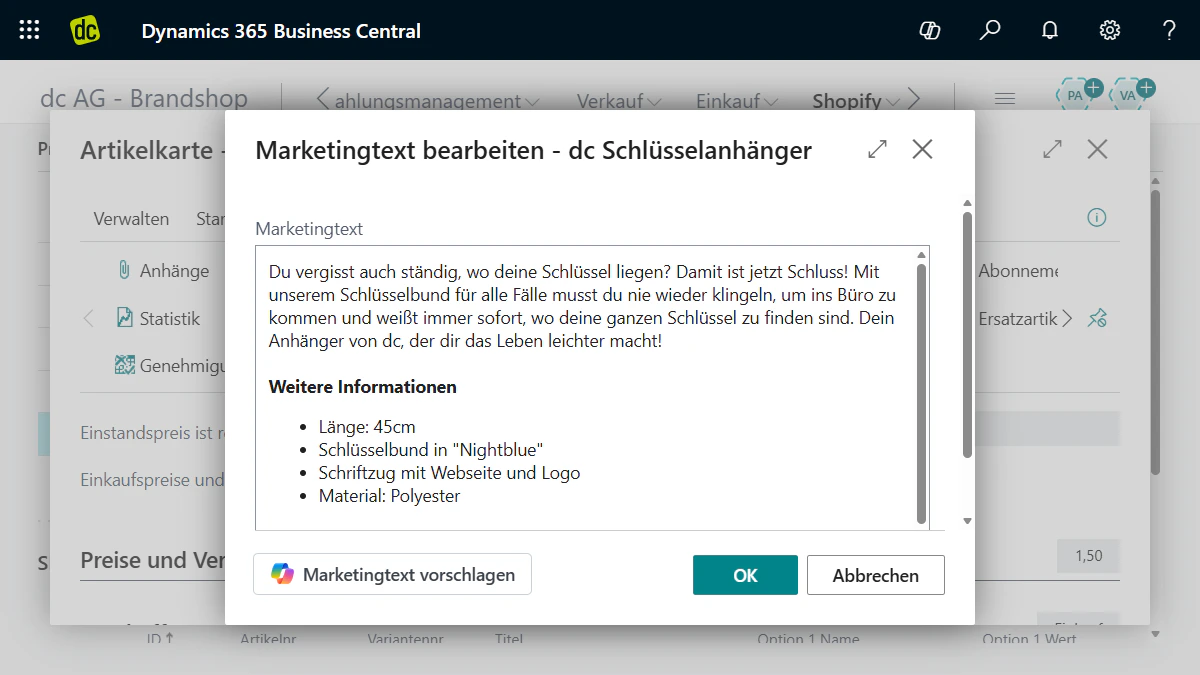 Extend the integration as needed - for example with marketing copy, product attributes, metafields, tax logic, or shipping information. That way, the interface grows with your project.
 -
 Integrate POS structures, marketplace orders, refunds, credit memos, and customer-specific pricing logic. That brings online, POS, and marketplace processes together in Business Central.


Free whitepaper
Shopify & Business Central as the power duo for your
e-commerce processes
Free whitepaper
Shopify & Business Central as the power duo for your
e-commerce processes
In this whitepaper, Lukas explains how to connect Shopify and Business Central into a scalable e-commerce system and create the foundation for efficient processes.
These companies rely
on Shopify with dc






Your team for successful
Shopify web stores
Shopify web stores
Get expert advice and benefit from over 15 years of experience and more than 250 e-commerce and ERP projects. The dc team of more than 125 experts supports you with the strategy, setup, and ongoing growth of your Shopify web store. As a certified Shopify Partner, we have already delivered numerous Shopify projects.

Shopify Connector for Business Central
With the Shopify Connector for Business Central, you connect your Shopify store to Microsoft Dynamics 365 Business Central. This synchronizes items, inventory, customer data, and orders between your store and ERP. For companies that want to use Shopify professionally, this ERP integration is a key step: Shopify handles sales, while Business Central manages the processes in the background.Integrate Shopify into Business Central
dc integrates Shopify into Business Central and makes sure your web store works seamlessly with your ERP system. We set up the Shopify Business Central Connector, review your data structure, and configure the right synchronizations. That way, product data, prices, inventory, customer data, and orders are transferred reliably between both systems.Set up the Shopify Business Central Connector the right way
The standard connector already covers many important processes. Still, the right configuration determines whether your integration runs reliably day to day. We review item structures, variants, prices, tax logic, warehouse locations, and order processes, then configure the connector to match your business model.Synchronize items, inventory, and prices
A strong Shopify ERP integration starts with clean product data. Items, variants, prices, inventory, and additional information can be transferred from Business Central to Shopify. This reduces duplicate maintenance and ensures your store works with current data from your ERP.Process Shopify orders in ERP
Orders from Shopify are transferred to Business Central and processed there as sales orders. That means customer data, shipping addresses, items, prices, and payment information land directly in ERP. Your team can review, release, ship, invoice, and map orders cleanly in financial accounting.Extend the standard connector
Not every project stays standard. When needed, we extend the Shopify integration with additional fields, custom processes, metafields, multiple warehouse locations, special pricing logic, POS scenarios, or omnichannel requirements. That way, the integration grows with your business and your e-commerce processes.dc as your partner for Shopify ERP integration
dc is a Shopify Partner, Microsoft Partner, and specialist for integrating e-commerce into Business Central. We do not just think about the interface - we think through the entire process from item to order to financial accounting. The result is a Shopify Business Central integration that is technically solid and works in day-to-day operations.Let's talk about your project

Let's talk about your project
Your contact person
